
Coaching without the digging: Question-level scoring across reviews
You can now see how every scorecard question was scored across a review period, so you can spot knowledge gaps

Every agent who touches a conversation gets tracked against it now, and you can widen filtering and reporting to match, whenever you want.
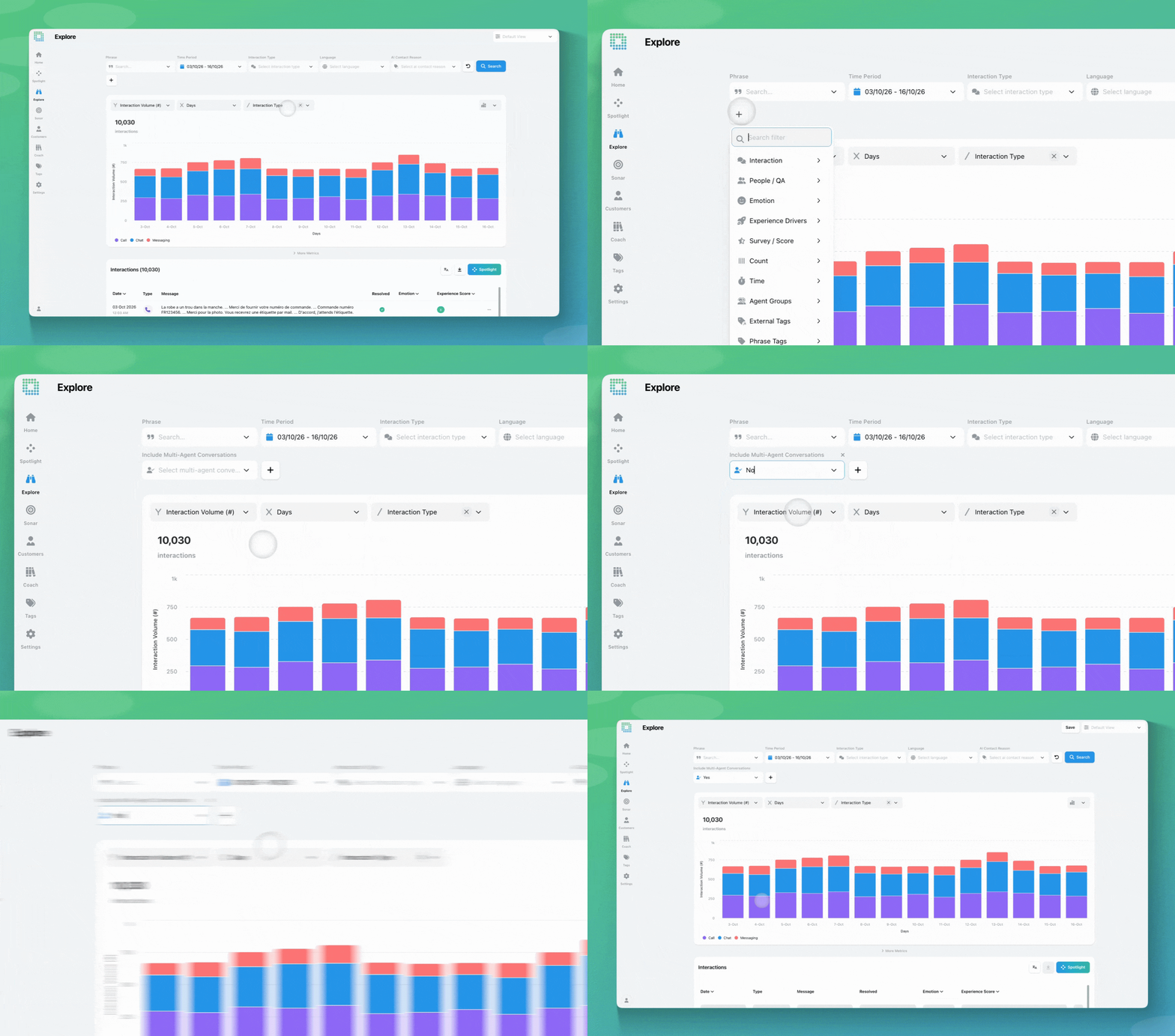
EdgeTier already recorded which agent sent each message, but that was never marked against the interaction itself. So filtering and reporting only ever showed one agent per interaction, usually whoever sent the last message (known as the primary agent). If a conversation passed through two or three agents before it closed, only the final one showed up anywhere outside the message thread.
That’s changed: EdgeTier now marks every agent who participates in an interaction against the interaction itself, from the first message to the last, not just in the messages. Filtering and reporting still default to the primary (closing) agent, just like before, so nothing changes in your existing filters and saved views. When you want the wider view, a new Include Multi-Agent Conversations filter lets you widen any Agent or Agent Tag filter to match everyone who took part in the interaction, not just whoever closed it.
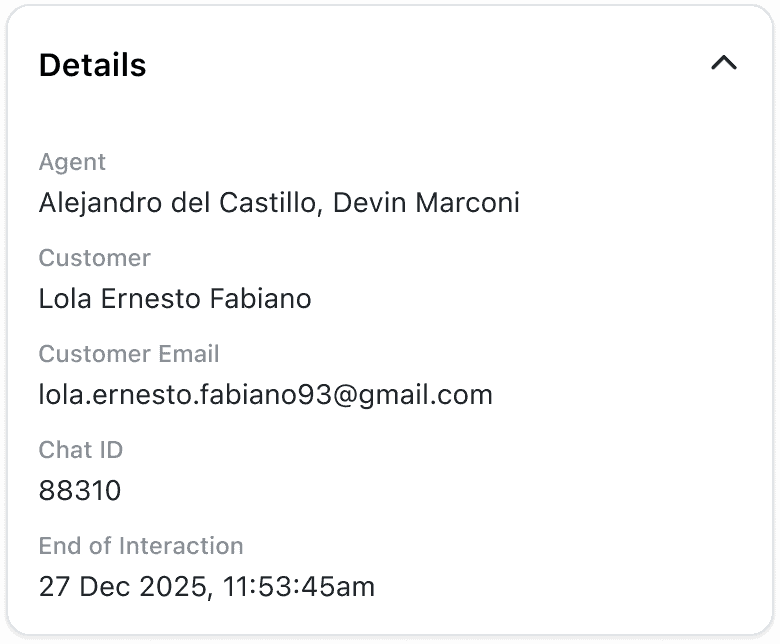
Take a transferred conversation: Agent A opens a chat and hands it to Agent B, who closes it. Both now show up in the interaction’s Details panel, but an Agent filter for A still won’t catch it by default, since B is the primary agent. Set Include Multi-Agent Conversations to Yes, and it will.
Same idea with agent tags: a “VIP Support” tag filter matches the primary agent by default. Set Include Multi-Agent Conversations to Yes, and it also catches interactions where a tagged agent helped out without closing the conversation.
A QA reviewer opening an interaction can see everyone who was involved at a glance, instead of digging through the message history to work it out.
If you have questions or feedback, reach out to your Customer Success contact.
You can now see how every scorecard question was scored across a review period, so you can spot knowledge gaps
You're now able to drop reusable variables into an Ask Spotlight prompt, so you don't have to retype the same
Every interaction gets a rating and a short explanation for each of three Experience Drivers, so you can see whether


Afroditi Pina
Director of Customer Service
"It has reduced the time for the quality assurance process as it provides clear data and a very robust direction on where to look and what matters the most."


Deborah Guivisdalsky
COO
"We now have highly detailed understanding of agent performance, not just on key agent metrics, but also on how customers react to our agents and the emotions of our customers feel when talking to our team."


Nick Brazitis
Global Customer Care Manager
"The anomaly feature is a game changer for us. It’s highly accurate and has helped us identify customer issues, agent errors, and even fraud that would have taken us longer to catch."



Let us help your company go from reactive to proactive customer support.
Unlock AI Insights