
Coaching without the digging: Question-level scoring across reviews
You can now see how every scorecard question was scored across a review period, so you can spot knowledge gaps

Agents can now formally respond to reviews they disagree with, and QA teams have a structured way to manage and resolve that feedback.
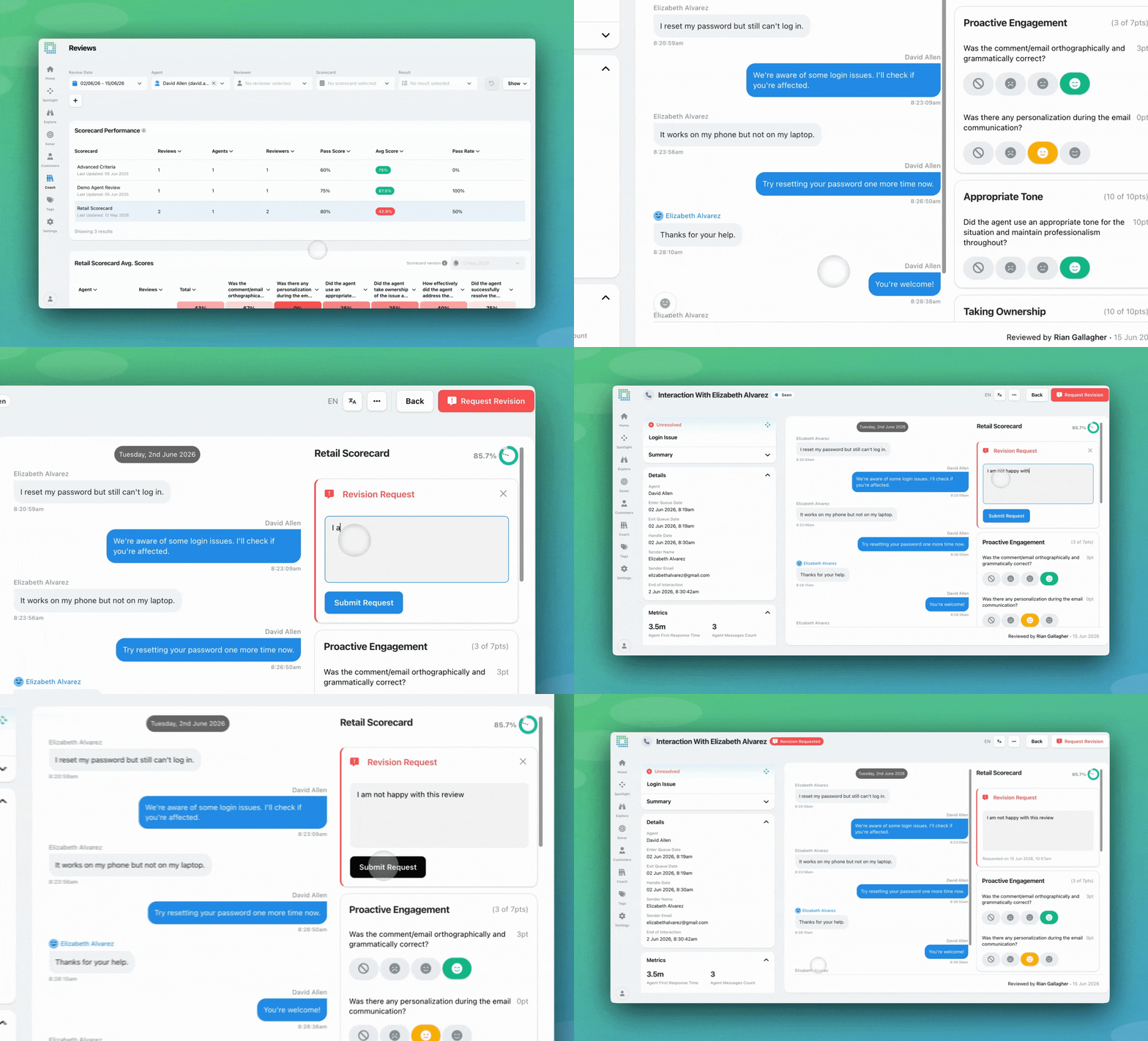
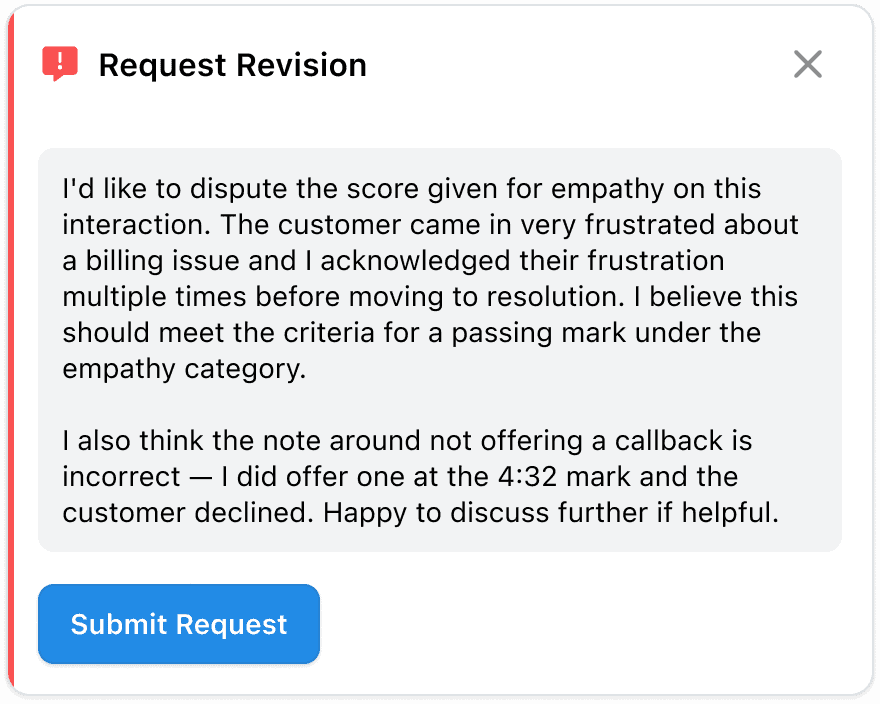
🪄Revision requests. Agents can now formally request a revision on a completed review if they disagree with the assessment or notice a mistake. They submit their request with a written reason, which is visible to the reviewer and to anyone with full review management access. The reviewer or a QA manager can then respond, either upholding the original scores or making changes, and close the request.
👀Per-scorecard revision control. Whether agents can request revisions is configurable at the scorecard level. QA leads can enable or disable this on any scorecard, including those powered by AutoQA.
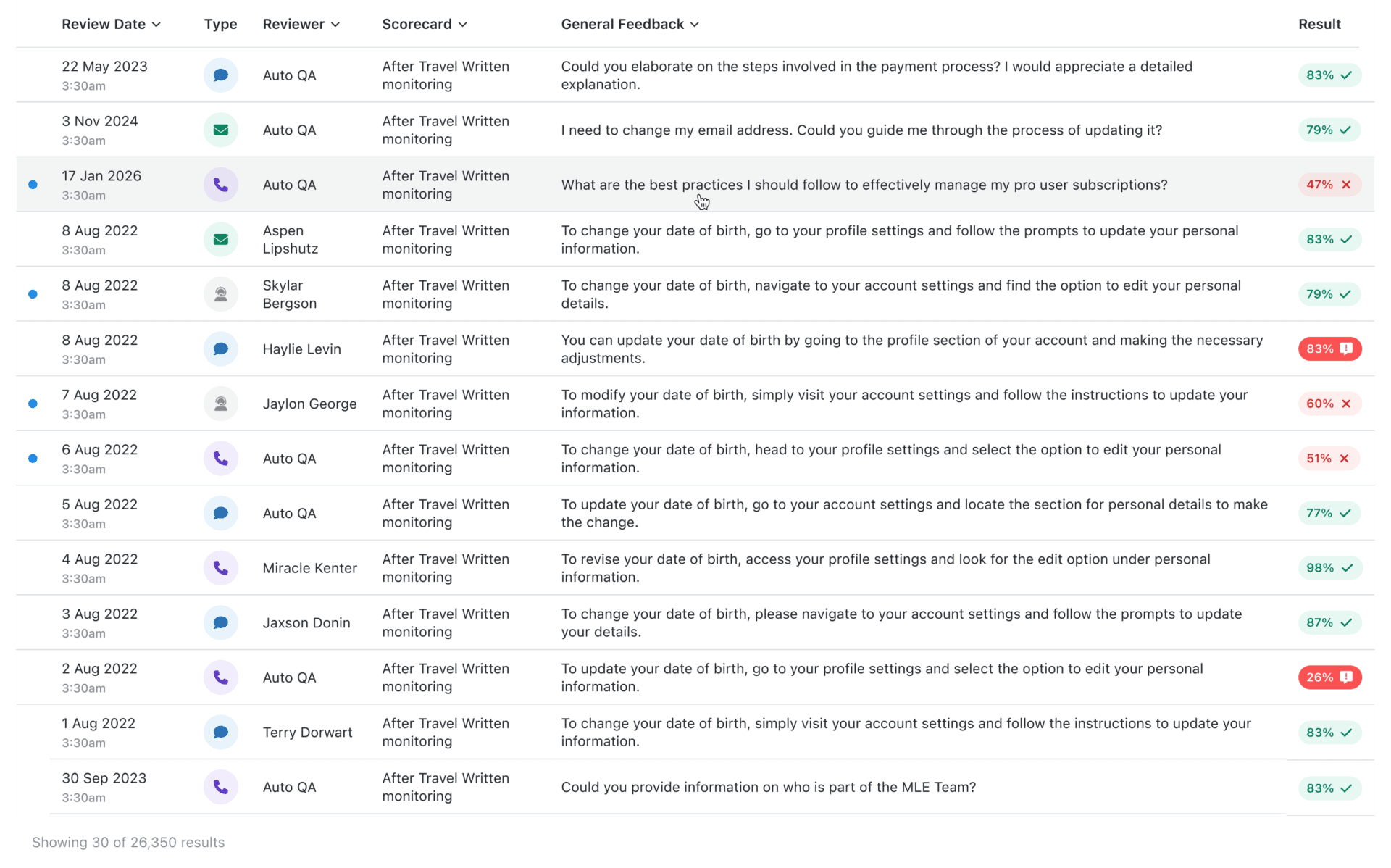
1.Navigate to your review list, and click on any review.
2.The completed review will open in split-screen beside the conversation it references.
3. In the top right, click ‘Request Revision’ if you disagree with any of the scores or comments you received.

4. Input your reasoning for the request, and click submit.
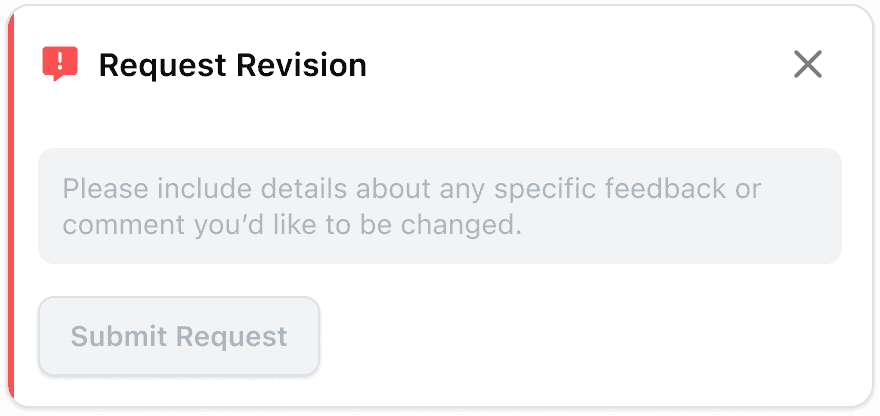
5. You will see your submitted request on the open review until it is responded to by the reviewer or a QA manager.
6. Once your request is closed, you will see this (and any changes) within the review.
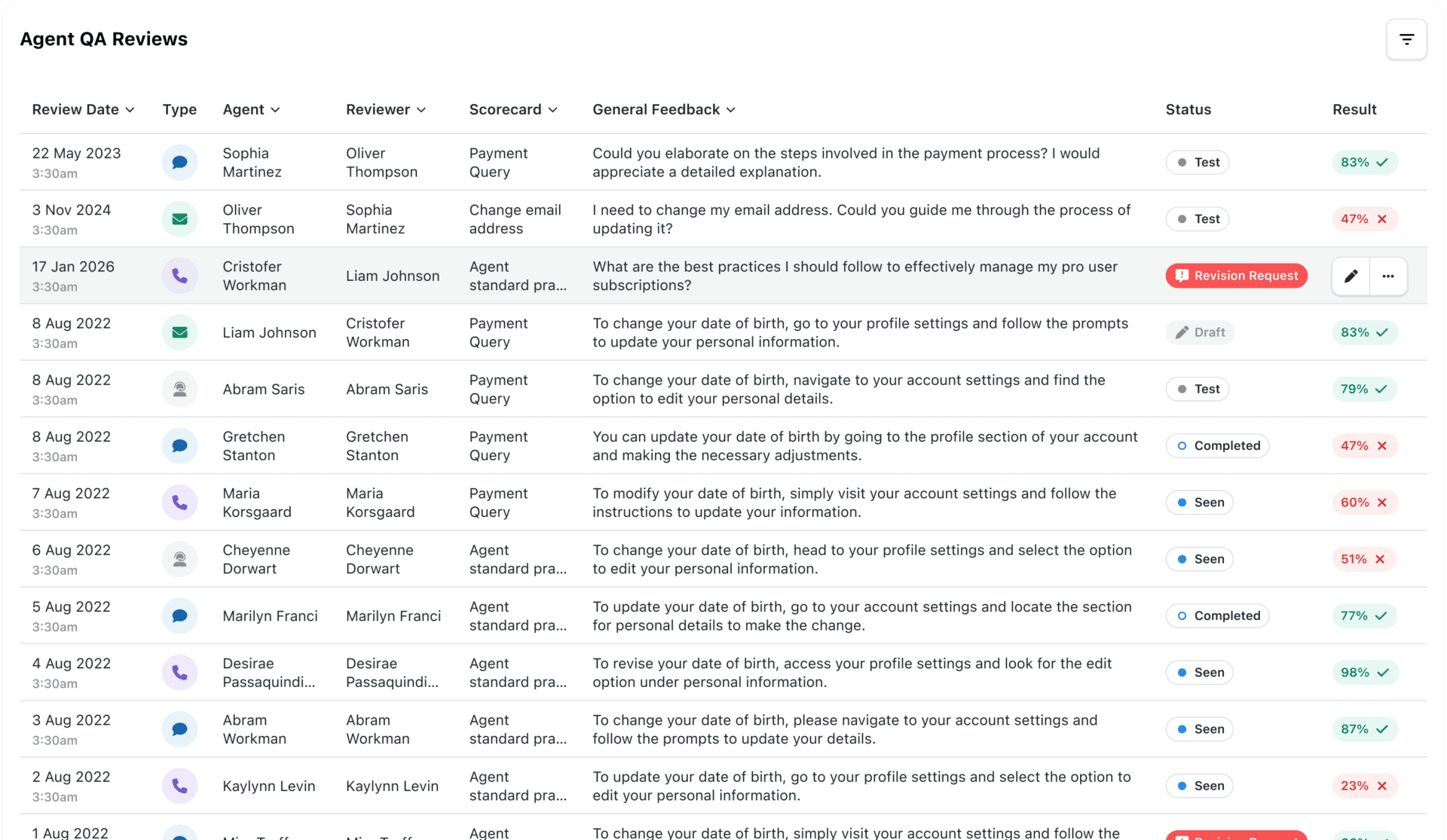
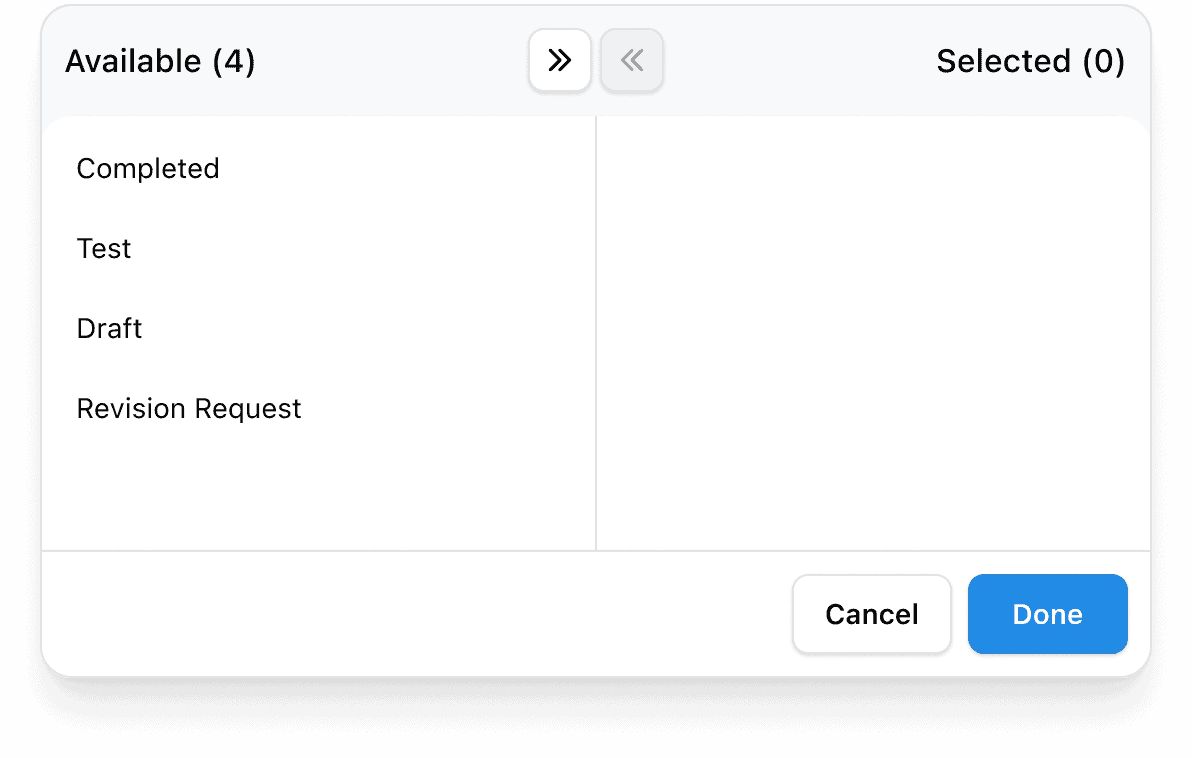
1.Reviews statuses will appear within the review itself, and on the Explore, Agents and Reviews screens as ‘Revision Request’ – you can use the Review Status filter to find them.
2. Select a the review that requires a revision and it will open in split-screen beside the conversation it references.
3. You will see the agent’s reasoning for the request at the top right of the review.
4. You will then have the ability to edit the scores and comments you’ve already left in that review.
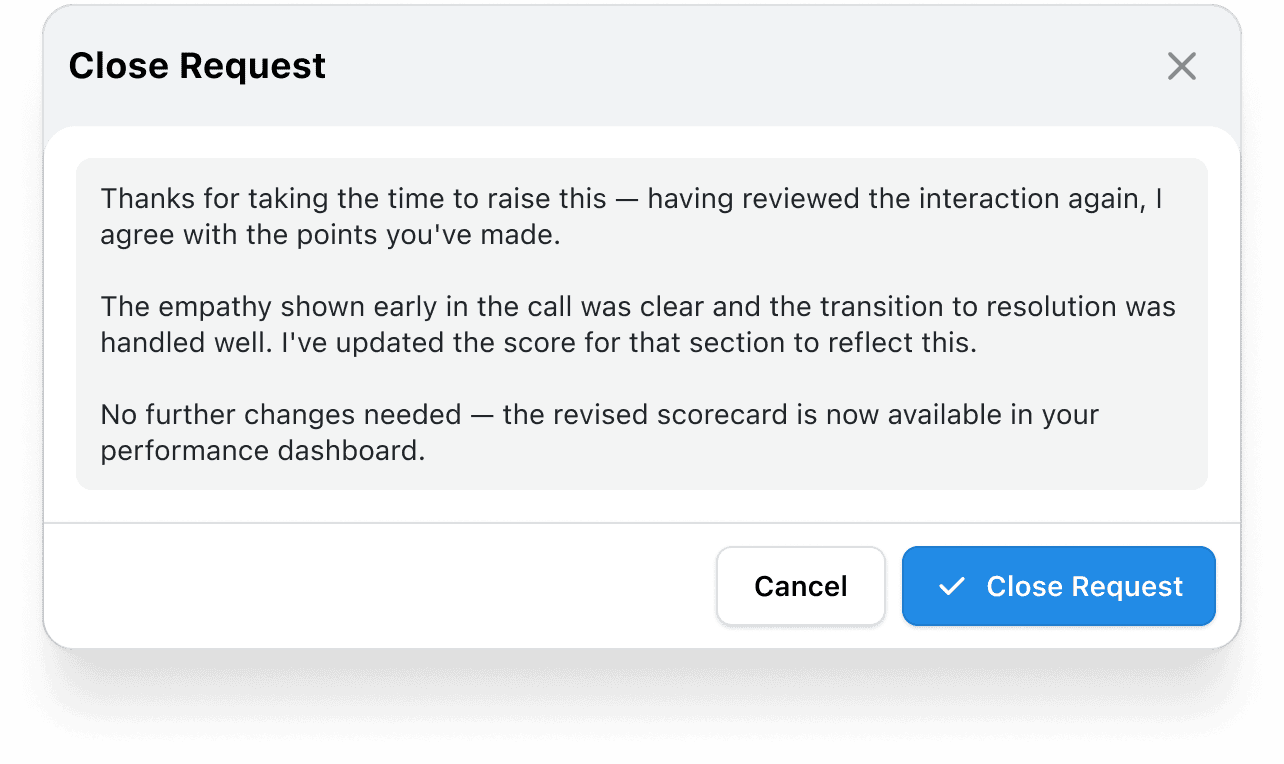
5. When you are finished editing and ready to close the request, a pop-up will appear, giving you the change to leave a comment.
6. When you ‘Close Request’ the review will be updated and the agent will be notified and able to see their new score (if relevant).
7. The review will appear as ‘unopened’ for the agent again.

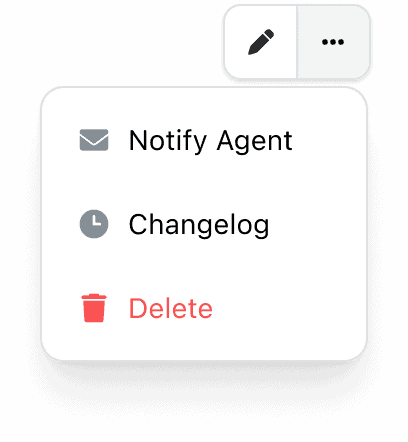
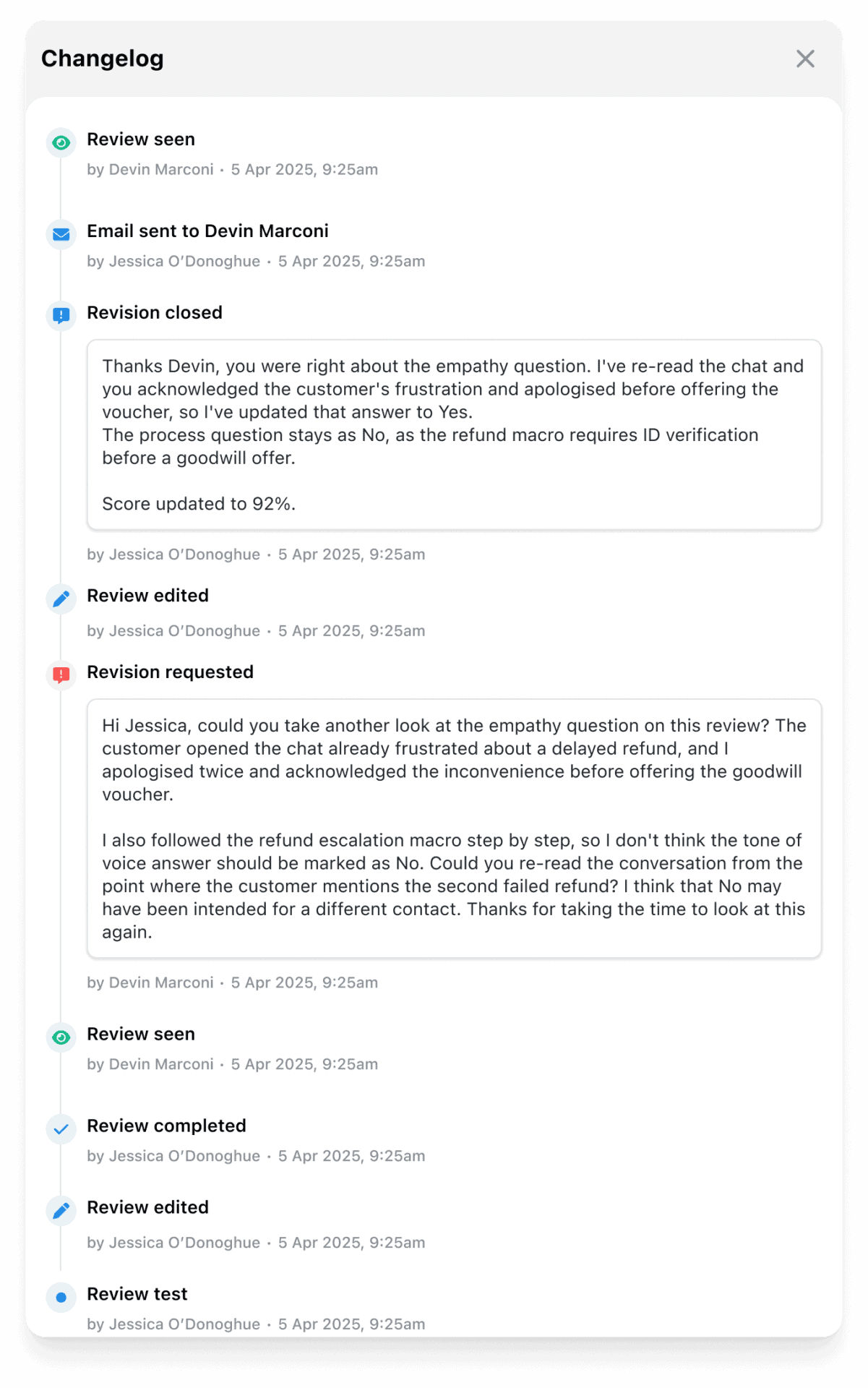
Only review events from the 7th of July 2026 onward will be registered in the changelog.
🗯️For an agent who received a review they believe is inaccurate: Instead of raising the issue informally, the agent can select “Request Revision” on the review, provide a written reason, and submit it. The reviewer receives the request, reviews the reasoning, and either upholds the scores or adjusts them. The agent sees the outcome, including what changed, within EdgeTier.
🕐For a QA lead managing a busy review queue: Revision requests appear as a filterable status in the Reviews table, so they don’t get lost among other reviews. Any open revision request on a review the QA lead manages can be addressed directly from the reviews screen.
Permissions: Reviewers can respond to revision requests on reviews they completed. Users with Manage Reviews access can respond to any revision request. Users with View All Reviews can see revision status and reasons but cannot take action.
One revision per review: Each review can have one active revision request at a time. Once resolved, the revision history remains visible, but a second revision cannot be opened on the same review.
Revision is opt-in per scorecard: Scorecards that don’t have revision enabled will not show the revision option to agents. Teams can roll this out selectively across their scorecard library.
Metrics: Reviews with an active revision request are still included in an agents metrics.
We have a full ‘how-to’ doc for review status in our documentation, here!
If you have questions or feedback, reach out to your Customer Success contact.
You can now see how every scorecard question was scored across a review period, so you can spot knowledge gaps
Every agent who touches a conversation gets tracked against it now, and you can widen filtering and reporting to match,
You're now able to drop reusable variables into an Ask Spotlight prompt, so you don't have to retype the same


Quentin Bottner
Head of Continuous Improvement
"We’re a big business, so getting the right people to agree and fix something hasn’t always been easy. Now we’ve got one version of the truth—it’s much easier to align and act"


Deborah Guivisdalsky
COO
"We now have highly detailed understanding of agent performance, not just on key agent metrics, but also on how customers react to our agents and the emotions of our customers feel when talking to our team."


Nick Brazitis
Global Customer Care Manager
"The anomaly feature is a game changer for us. It’s highly accurate and has helped us identify customer issues, agent errors, and even fraud that would have taken us longer to catch."



Let us help your company go from reactive to proactive customer support.
Unlock AI Insights